
JStock App1.0.3 - App Store
You'll be able to see results in few seconds.
Publisher Description
JStock App is for Everyone
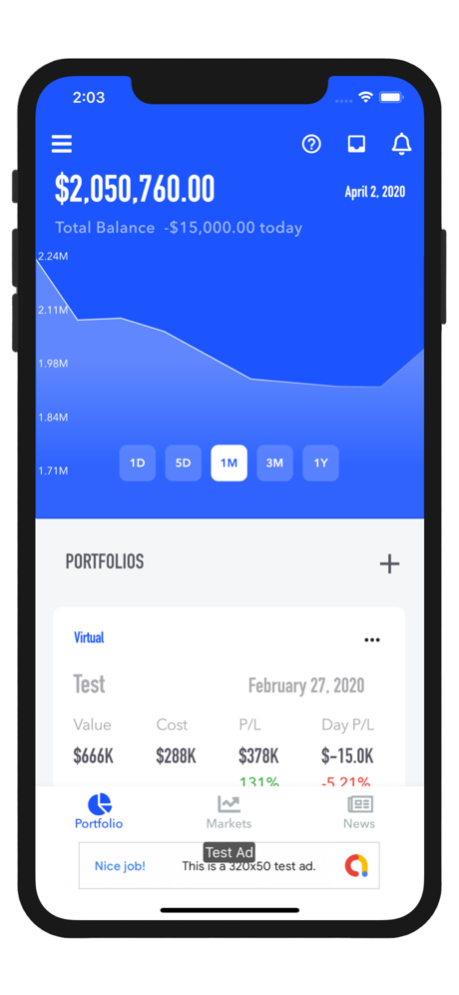
JStock App, the Jamaican Stock Market App, provides a comprehensive platform to learn about selecting stocks for beginners and has a wealth of information about portfolio value, trends, and movement in the market shown through visually rich and expansive charts for the expert. Whether you’re the seasoned, diligent investor or a beginner, JStock App’s intuitive app is tailored to your needs.
Powerful and Easy to Use
JStock App puts the power in your hands by making the experience of investing efficient and straightforward. We’ve changed the game through the use of intuitive tools that make remove the complexities of portfolio management. The app’s helpful coach marks allow any level of user to comfortably navigate the various features and constant updates provided. Everything you need is in one single app!
Features:
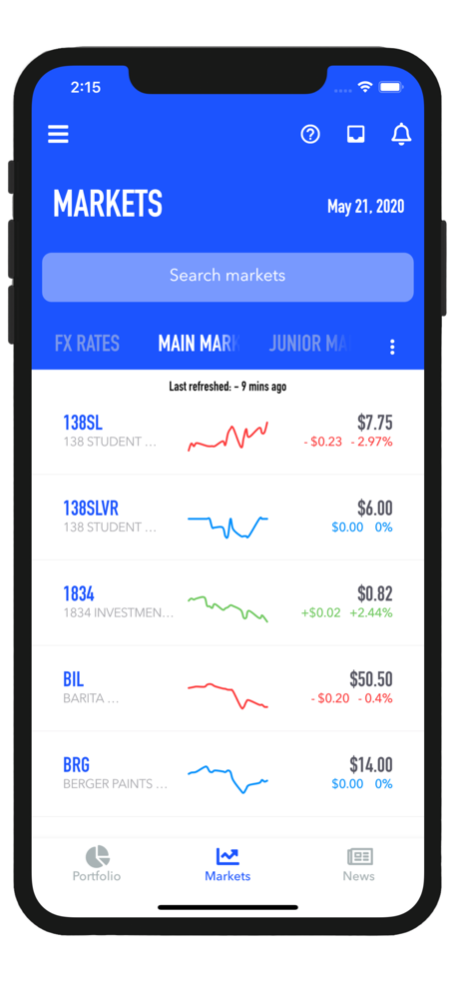
Multiple Markets
Choose from a simple consolidated view of the Jamaican and numerous Caribbean stock markets to receive real-time updates including the Barbadian, Trinidadian, Eastern Caribbean, and NASDAQ stock markets.
Dynamic Portfolios
Manage all your investment portfolios in one place. Virtual Portfolios allow you to get your feet wet by simulating real portfolios for your practice.
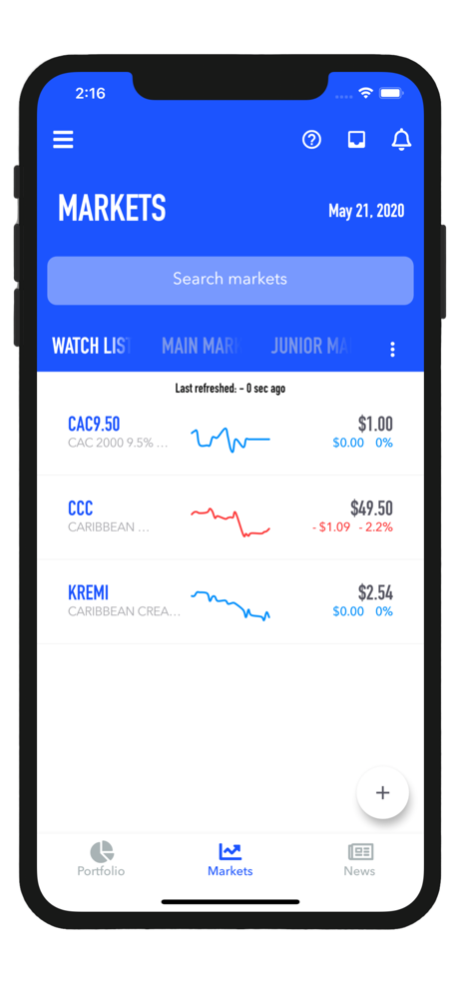
Watchlists
Set up your watchlist to monitor securities for potential trading and investment opportunities. (to identify market trends).
Intuitive Notification Alerts
JStock App’s highly customizable platform makes for a unique user experience. It allows you to set alerts and be notified of price changes for stocks you’re interested in.
News Feed
Stay informed with current stock market news. Learn as you grow with expert trading tips that engage and educate, all in one place.
Historical Data
Use JStock App to view historical data and analyze trends. With a customizable view of stock charts, see whether you've earned a return on your investment.
Dec 5, 2020
Version 1.0.3
Bug fixes:
- Markets not auto refreshing
About JStock App
The company that develops JStock App is Codeimple Limited. The latest version released by its developer is 1.0.3.
To install JStock App on your iOS device, just click the green Continue To App button above to start the installation process. The app is listed on our website since 2020-12-05 and was downloaded 0 times. We have already checked if the download link is safe, however for your own protection we recommend that you scan the downloaded app with your antivirus. Your antivirus may detect the JStock App as malware if the download link is broken.
How to install JStock App on your iOS device:
- Click on the Continue To App button on our website. This will redirect you to the App Store.
- Once the JStock App is shown in the iTunes listing of your iOS device, you can start its download and installation. Tap on the GET button to the right of the app to start downloading it.
- If you are not logged-in the iOS appstore app, you'll be prompted for your your Apple ID and/or password.
- After JStock App is downloaded, you'll see an INSTALL button to the right. Tap on it to start the actual installation of the iOS app.
- Once installation is finished you can tap on the OPEN button to start it. Its icon will also be added to your device home screen.
Program Details
System requirements
Download information
Pricing
Version History
version 1.0.3
posted on 2020-12-05
Dec 5, 2020
Version 1.0.3
Bug fixes:
- Markets not auto refreshing
Disclaimer
Official App Store Link
We do not host JStock App on our servers. We did not scan it for viruses, adware, spyware or other type of malware. This app is hosted by Apple and passed their terms and conditions to be listed there. We recommend caution when installing it.
The App Store link for JStock App is provided to you by apps112.com without any warranties, representations or guarantees of any kind, so access it at your own risk.
If you have questions regarding this particular app contact the publisher directly. For questions about the functionalities of apps112.com contact us.
